 Sup!
Sup!Settings
Referral Program
Share your referral link and earn free months of Sup! when another team subscribes.
The referral program is for Slack workspaces. Go to Settings and open the Referral Program tab.
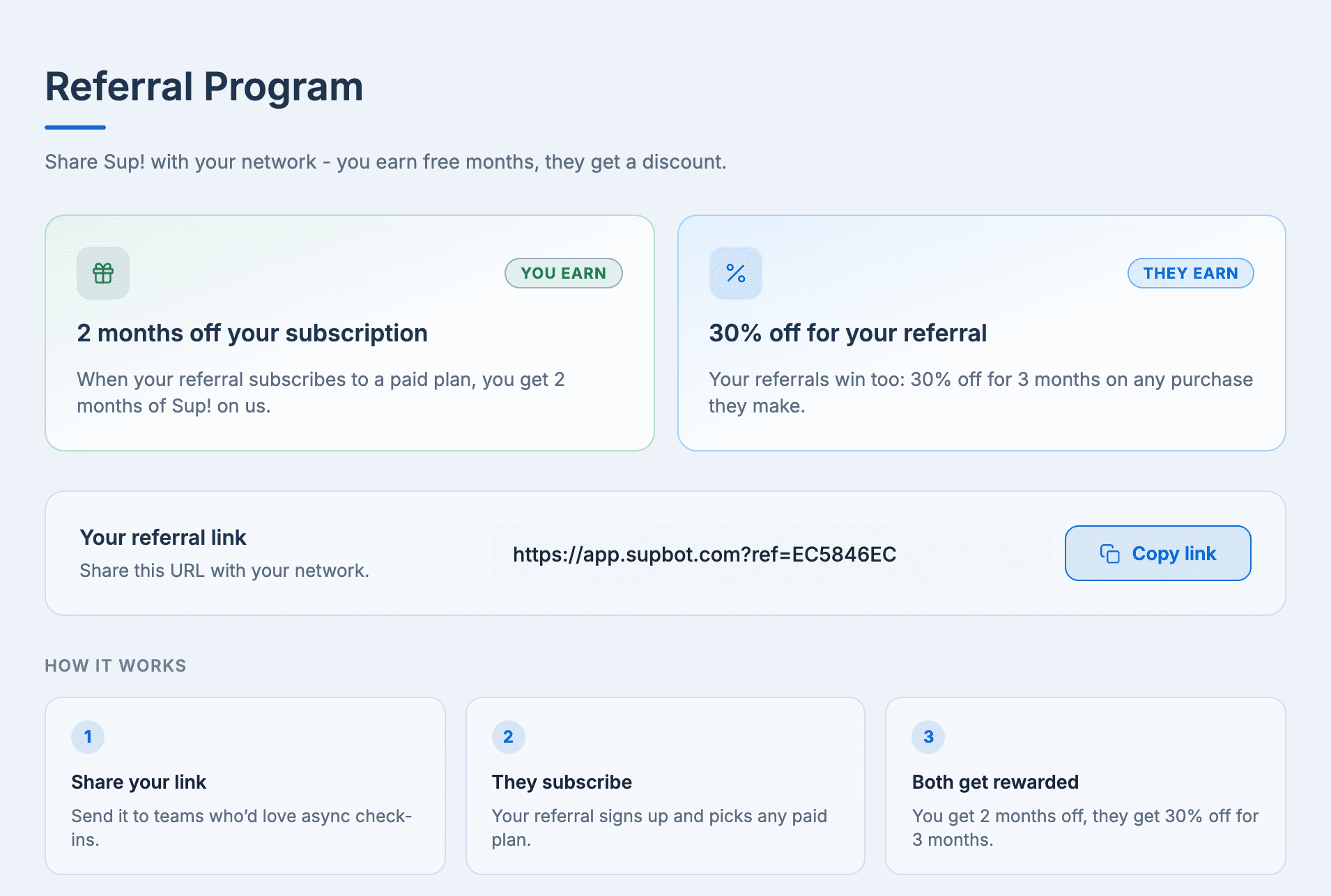
How it works
Share your link. Under Your referral link, select Copy link and send it to teams who'd like async check-ins.
They subscribe. Your referral signs up with your link and picks any paid plan.
You both get rewarded.
| Who | Reward |
|---|---|
| You | 2 months of Sup! off your subscription when your referral subscribes to a paid plan |
| Your referral | 30% off for 3 months on any purchase they make |